See your automation. All of it.
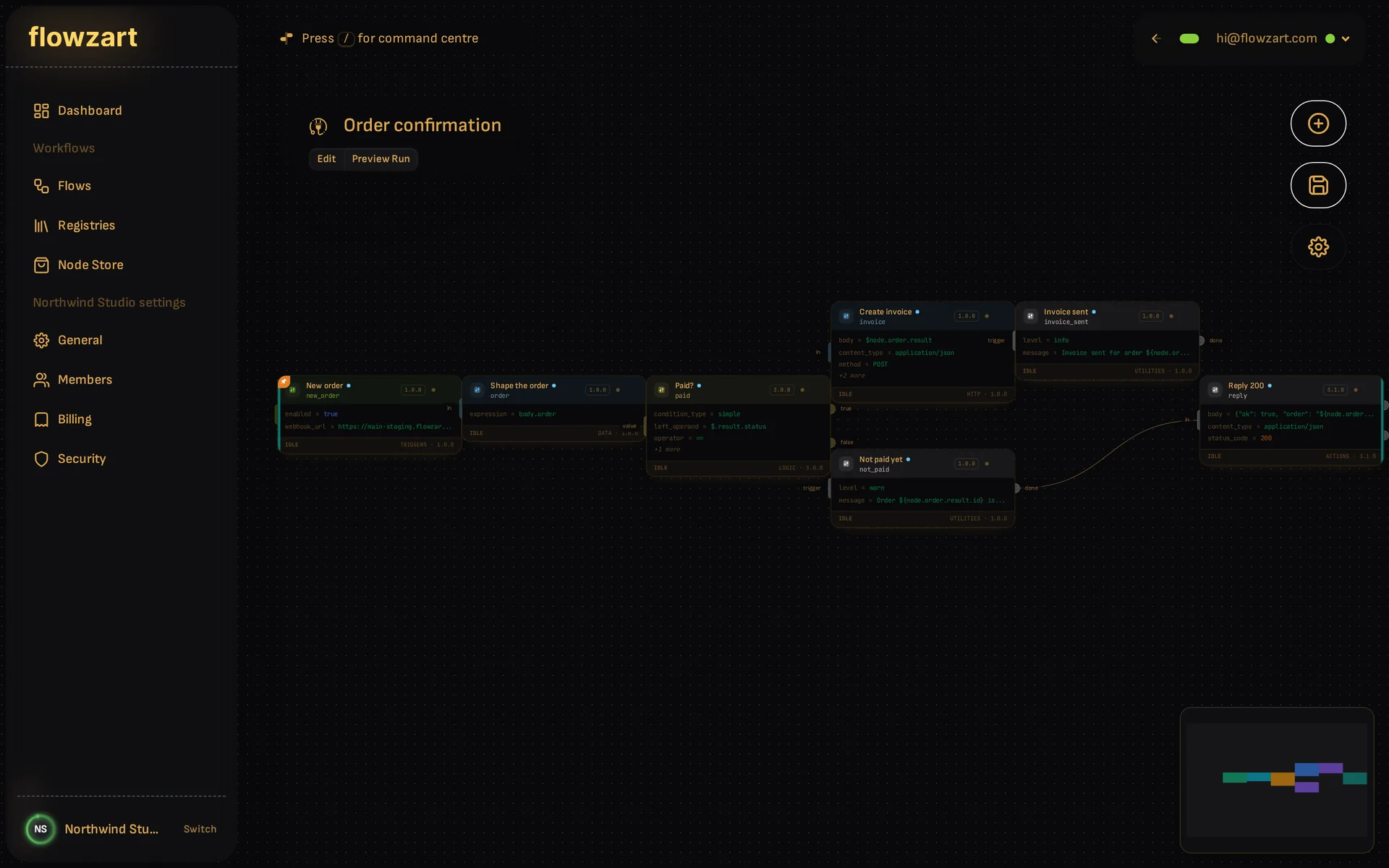
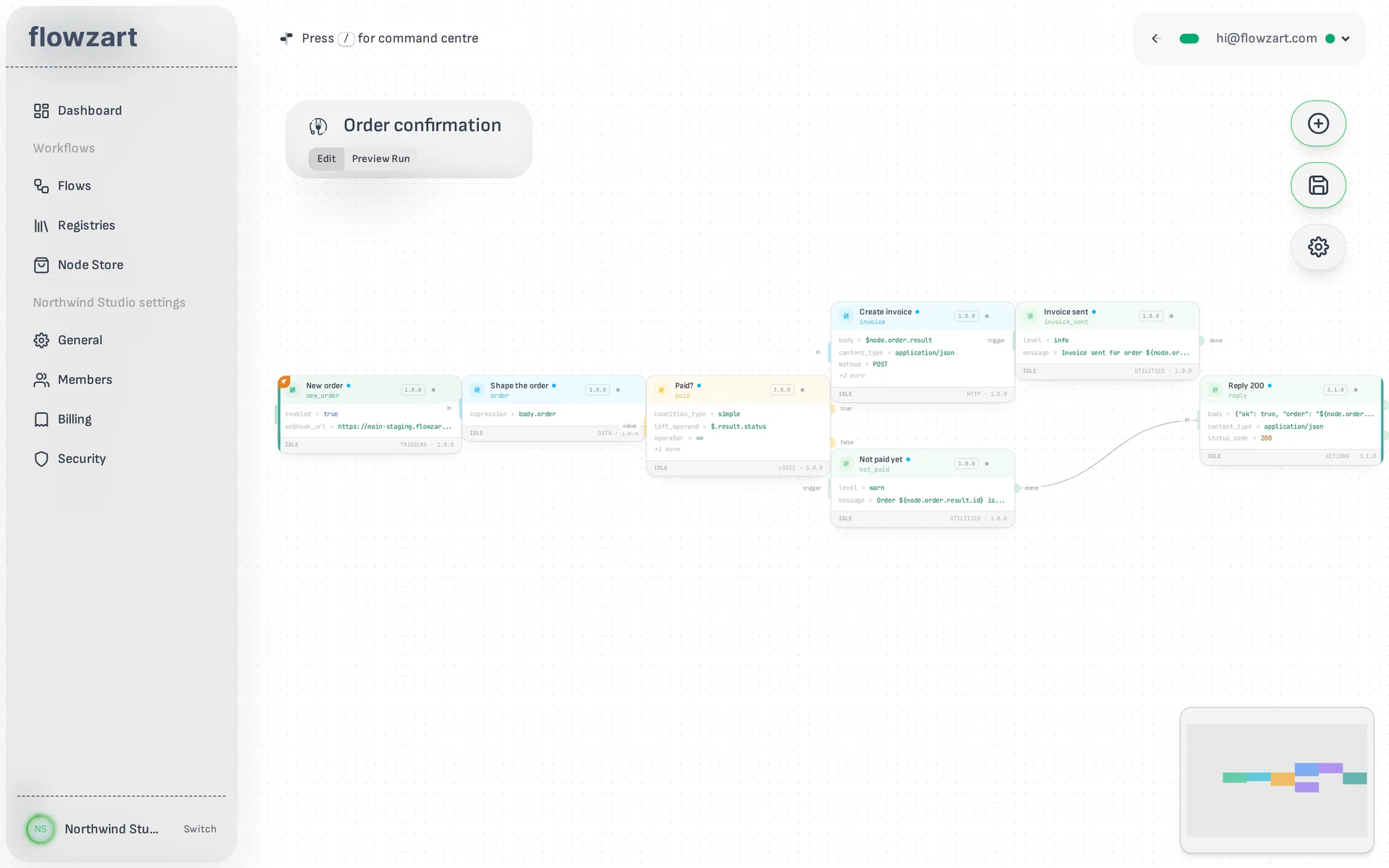
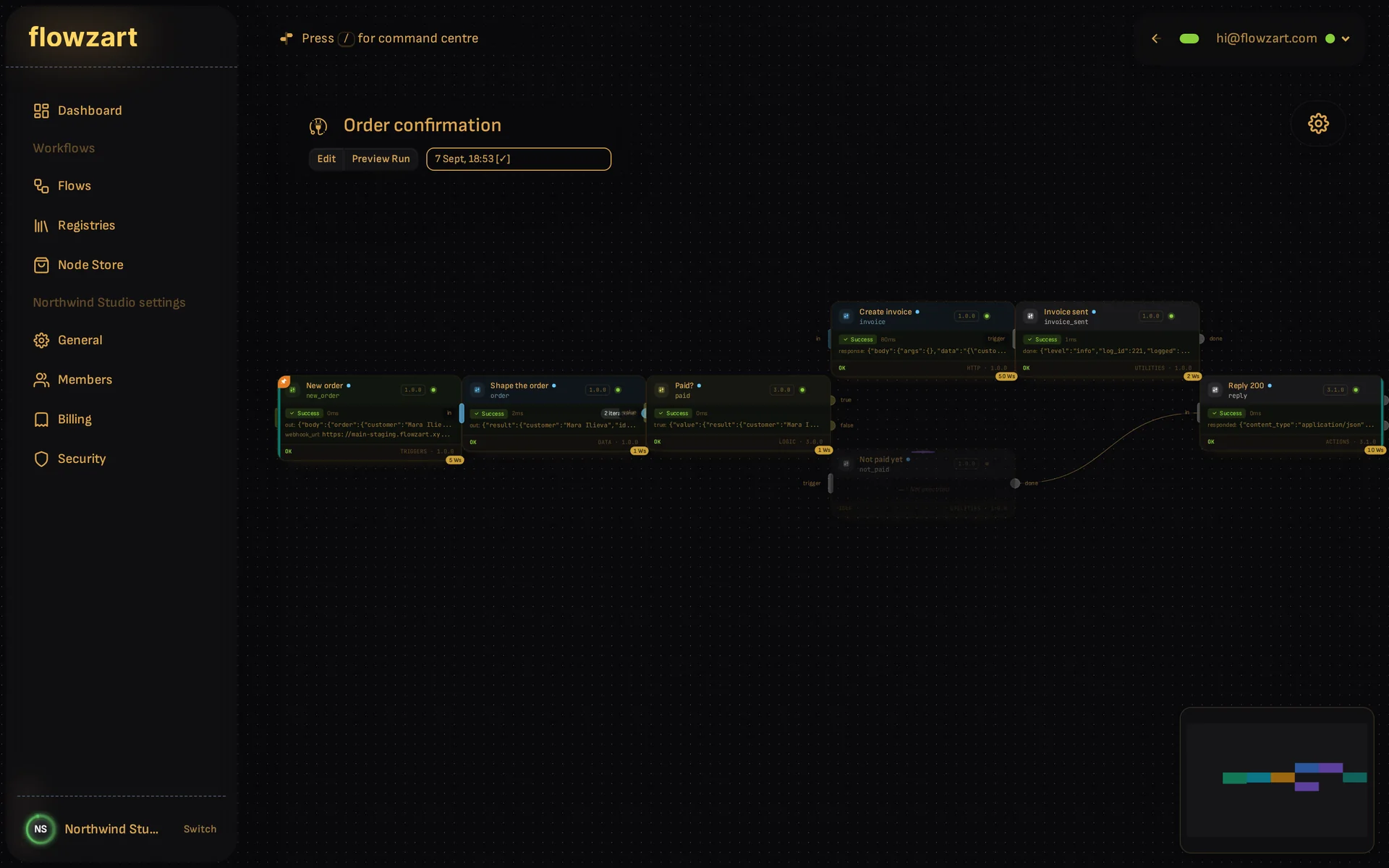
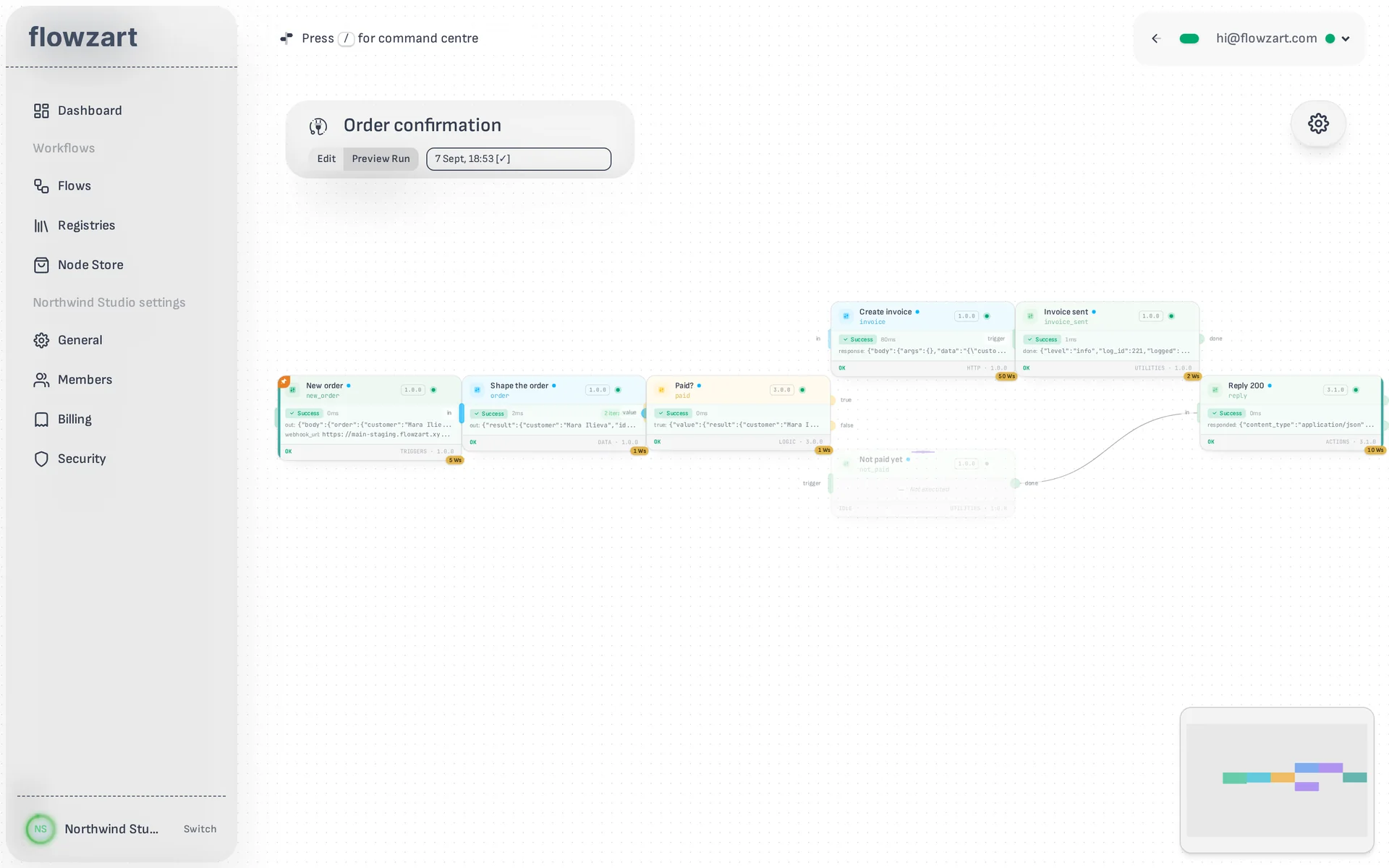
A flow on Flowzart is a picture of what happens, and the picture is the program. There is no second view where the truth lives.
- 01
Settings on the card
Each node shows its settings on the canvas: the URL, the method, the condition. Nothing hides in a panel until you ask for it, so a flow can be read from across the room.
- 02
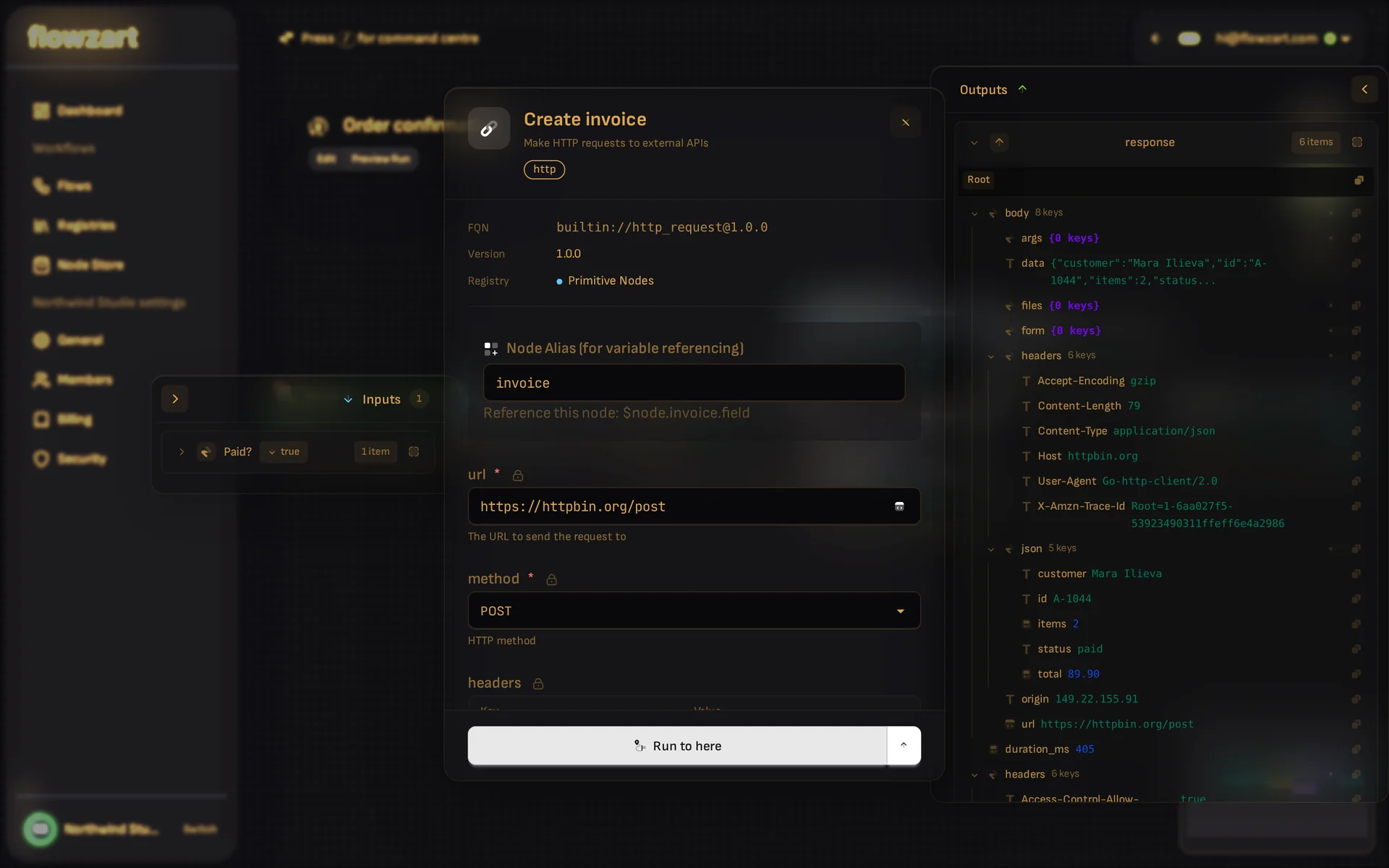
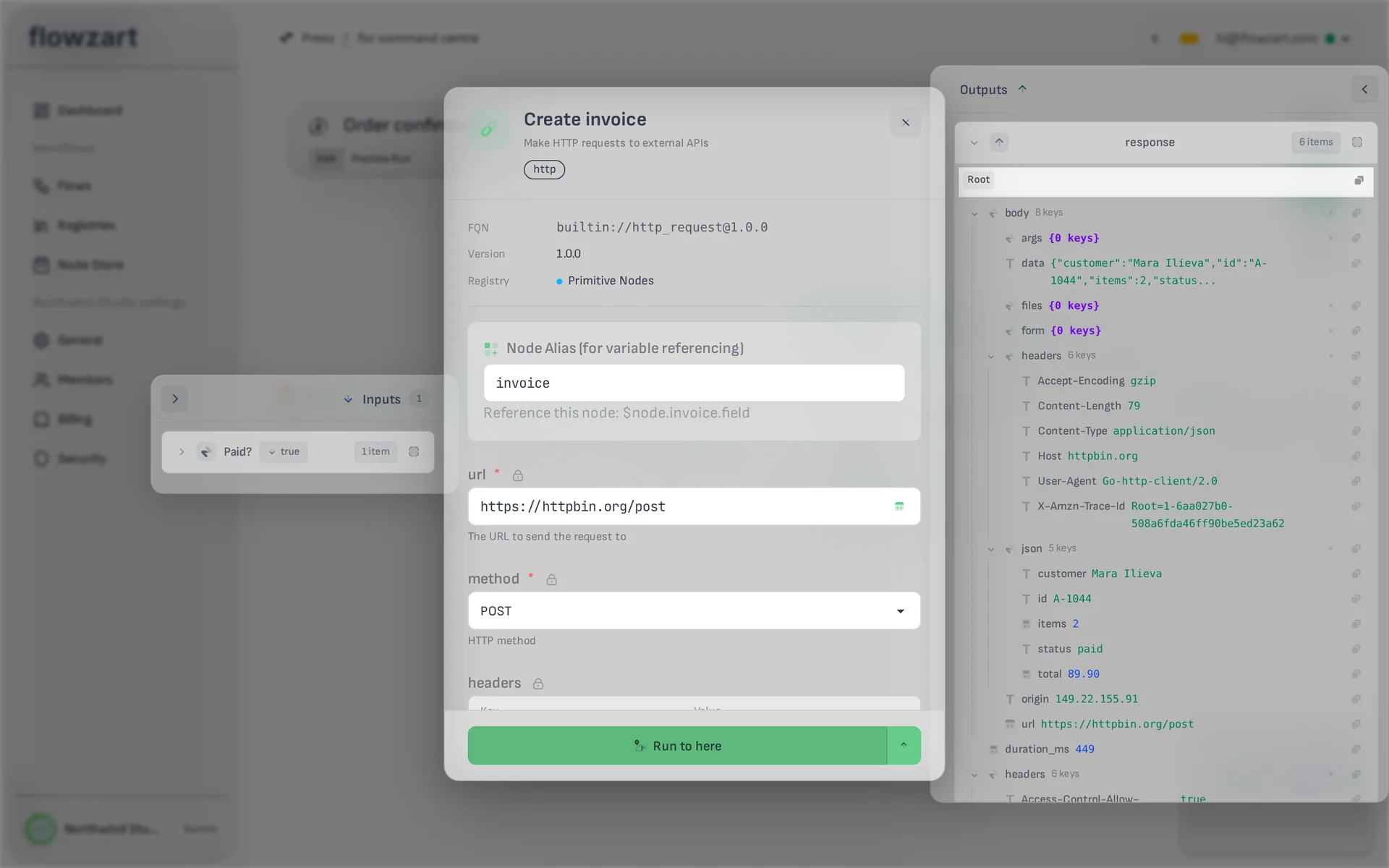
Inside a node
The inspector is the node, opened up: what came in, what it is set to, what went out. Run to here executes the flow up to this node, so you can check a step without running the world.
- 03
Watch it run
Switch to Preview Run and pick any past run. The graph lights up in the order it happened, and every node shows what it received and produced.
Fires on arrival.
Nothing waits on the slowest step
A node fires the moment data reaches it. Parallel paths just happen, and a slow call on one branch never holds up the others.
A flow can loop back on itself
Wire an output back to an earlier node and the flow runs again with the new data. A cycle guard is a node you can place, so a loop never runs away.
Real engine, real speed
Flows run on a Go engine across several regions, and every run is metered by what its nodes actually did.
Command centre
Press / to add a node, jump to a flow, or go anywhere.
Projects
Group flows into projects when they multiply. Loose flows are fine while they don't.
Together, live
Open the same flow as a colleague and edit it together, cursors and all.
Your flows, your file
Export any flow to a self-contained file and import it anywhere. Secrets stay behind unless you choose to include them.
Ready when you are.
Join the waitlist for a Concert Ticket, or see how it works right now.